


A visitor arrives on a service page with a fairly practical question: can this business help me? If the page opens with a paragraph about passion, excellence, and innovative solutions, the visitor may still have no idea what you actually do.
Good on-page SEO starts with a page worth reading. The structure should make the service clear, answer the questions that affect a decision, and help the right customer take the next step.
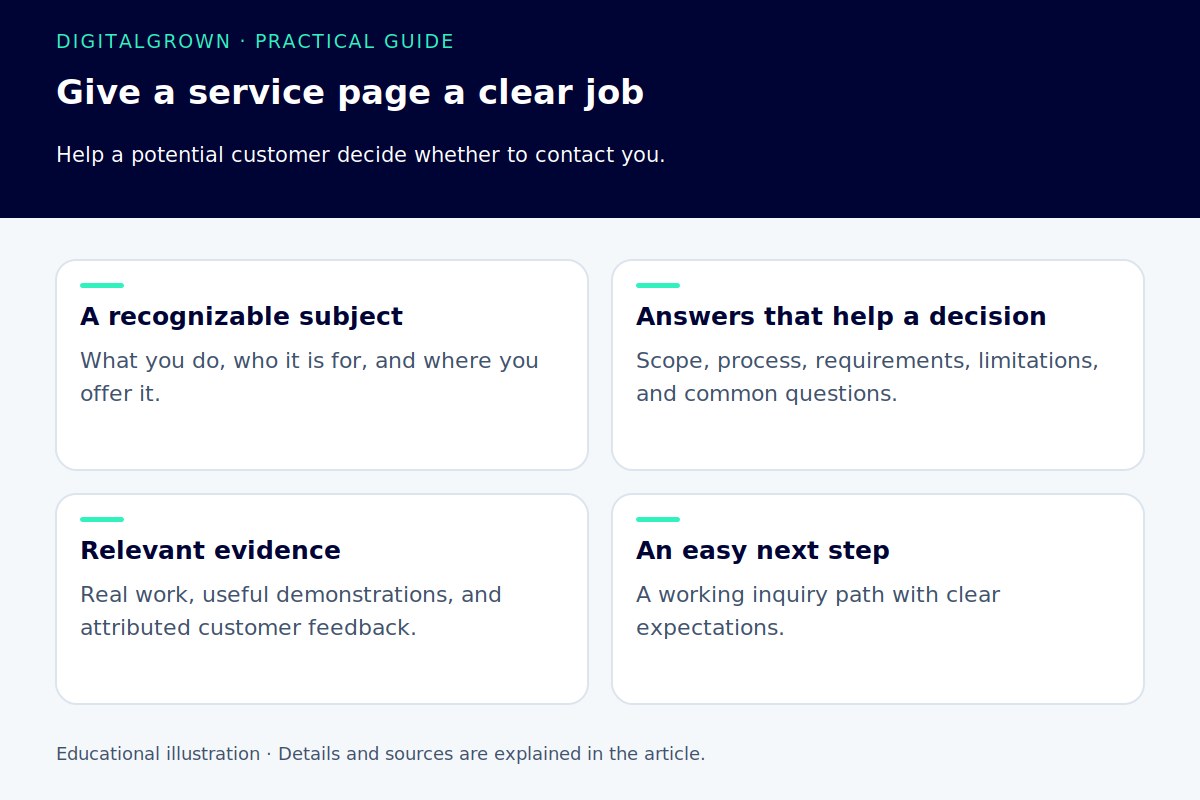
Give the page one main job
Start by naming the service and the customer it is intended for. Explain the problem it solves in language that customers recognize. A heading such as “Water-heater installation” gives someone a clearer starting point than “Complete comfort solutions.”
Decide what the visitor should be able to do after reading. They might request a quote, check eligibility, book an appointment, or move to a more specific service. That decision helps you choose which information belongs on the page and which can be linked elsewhere.
One page can cover several related questions without trying to become an article about every service you offer. If a separate service has a different process, audience, or decision, give it its own explanation rather than burying it in a long list.
Answer the questions that can stop an inquiry
Think about what you usually explain before someone becomes a customer. What is included? Where do you work? What do you need to assess the job? Does the customer need to prepare anything? What affects the price or the time involved?
You do not need to publish a fixed price when the work genuinely needs a quote. Explain what determines the quote and how someone gets one. “Contact us for pricing” is more useful when the reader also understands what information to send and what will happen afterward.
- Describe the service and the situations it suits.
- Explain important inclusions, exclusions, and practical limitations.
- Show the areas or customer types you actually serve.
- Set realistic expectations for the process and the next conversation.
Use proof that belongs to this service
Relevant photographs, a short project explanation, and an accurately attributed testimonial can help a reader judge your work. Explain what an image shows and why the example is relevant. A before-and-after image needs enough context to avoid suggesting a result the customer did not actually receive.
A general endorsement of your business is useful, but it should not be presented as an endorsement of a particular software package the client never mentioned. Keep their words intact when quoting them, and make excerpts faithful to the full comment.
The useful detail often comes from your own experience: a common misunderstanding, the information needed for a quote, or why one approach suits a particular situation. Google’s people-first guidance encourages original value and clear evidence of knowledge rather than a rewritten version of everyone else’s page. [1]
Make the page easy to scan
Use headings that describe the sections beneath them. Keep paragraphs focused, and use a list when someone needs to compare or check parallel items. Important facts should be available as text, not only inside a large promotional graphic.
Review the page on a phone. A heading that looks concise on a wide monitor can occupy most of a small screen. Check the reading size, spacing, image crops, and whether banners or popups get in the way of the actual service information.
There is no reason to force a particular word count or number of headings onto every service page. A straightforward service may need a shorter explanation than a complex one. Completeness means answering the relevant questions, not making the scrollbar longer.
Connect the visible page and the search result
Write a concise title that accurately identifies the service. Make the main page heading consistent with that purpose, while allowing it to read naturally. Avoid a title made from a string of near-identical phrases and towns. Google’s title-link guidance emphasizes useful descriptive titles rather than repetition. [2]
A meta description is a short invitation to the right reader. Summarize the service and a meaningful reason to visit the page. Google can use page content instead of your supplied description, so the visible explanation still needs to stand on its own. [3]
Link to genuinely related services or supporting articles using descriptive wording. “See how our managed hosting works” tells a reader more than an isolated “click here.” Google’s link guidance also recommends clear anchor text and crawlable links. [4]
Test the next step all the way through
Choose a clear primary action and place it where the reader is likely to be ready for it. An early contact option helps someone who already knows what they need; a later one can follow the details and examples.
Test the form, phone link, booking process, and confirmation message. Then check who receives the inquiry and how it gets handled. The website’s job does not end when a button changes color.
Our on-page optimization service brings content, structure, and search language together. If the wider layout also needs attention, website design connects those decisions with performance and the customer journey.


