


A phrase can have plenty of searches and still be a poor choice for your business. The visitor may want a job, a free template, or advice for a place you do not serve. Before choosing a keyword, work out what the person is trying to accomplish.
The useful part of keyword research is not finding a phrase to repeat. It is deciding which customer questions deserve an answer, which page should provide it, and whether that answer fits what you actually offer.
Start with your customers’ language
Look at sales conversations, inquiry forms, support emails, and the questions people ask before buying. Write down the terms they use, including the practical details that change a decision: service area, compatibility, price, availability, turnaround time, or the type of problem.
A business might describe its work as “residential drainage solutions,” while a customer asks why a drain keeps blocking. Neither phrase should automatically become a separate page. First decide whether both belong in one useful service explanation or whether a genuinely different question needs an article.
Use search research to test your assumptions. Inspect the kinds of results a query returns and whether they match the task you expected. Treat estimated search volume and difficulty as planning inputs. They do not tell you whether a visitor will be a good customer.
Match the search to the right kind of page
Intent is a practical way to describe the task behind the query. Someone researching a problem needs a different answer from someone comparing providers or trying to buy a specific item. These are useful planning categories, not rigid boxes that every search fits perfectly.
- Learning: explain a problem, process, or useful first step in an article.
- Comparing: show relevant options, limitations, and decision criteria.
- Hiring or buying: provide the service or product details and a clear next step.
- Finding a known business: make the correct business and contact information easy to reach.
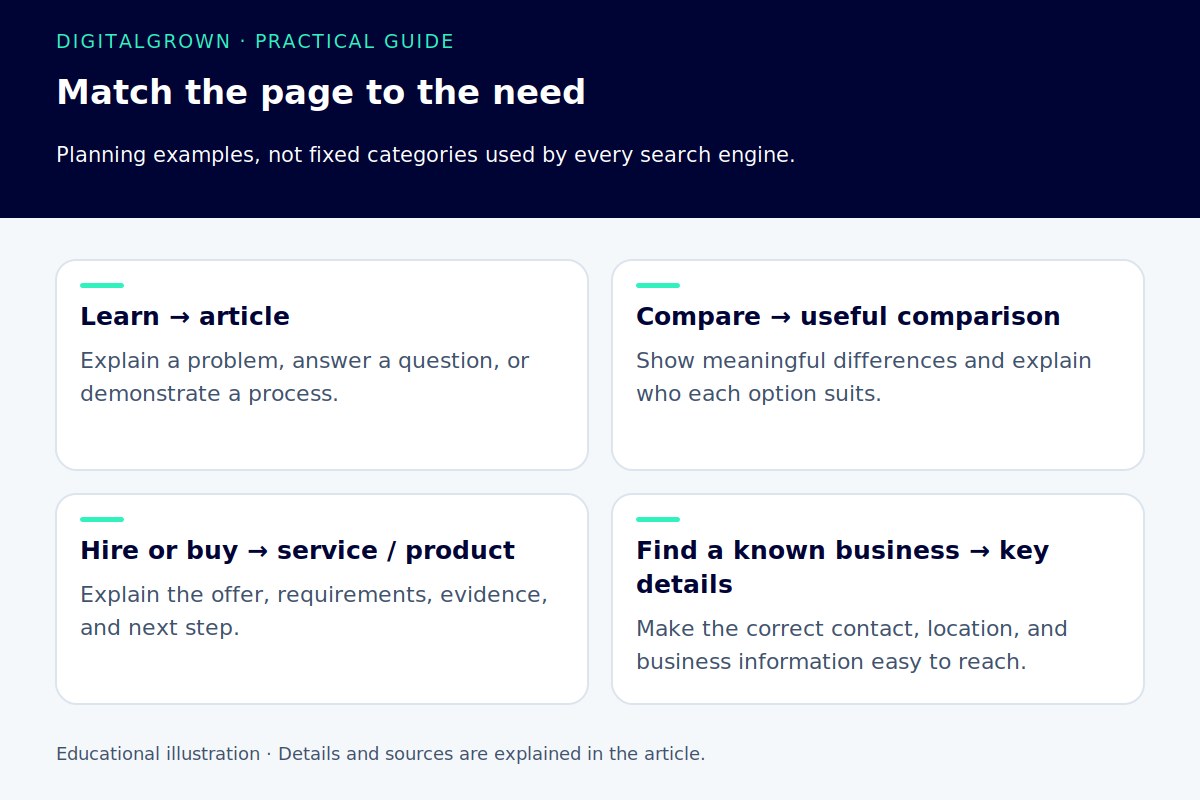
For a hypothetical air-conditioning business, “why is my AC leaking?” could suit a helpful diagnostic article. “AC repair in my area” is more likely to need a service page. The article can link to the service when that next step makes sense, without pretending both pages have the same job.
Give each page a clear purpose
Group closely related searches around a page that can answer them well. Separate pages are useful when the service, audience, or decision changes substantially. They are less useful when the only difference is a rearranged phrase or a town name pasted into the same text.
A simple content map can have four columns: customer question, intended page, what the page must explain, and the next action. This often reveals gaps more clearly than a long spreadsheet of phrases. It also helps prevent two pages from competing to do the same work.
For example, one service page might cover drain cleaning, common warning signs, the areas served, and how to request help. A separate article can explain a specific maintenance question in more depth. Link them where the relationship is useful to the reader.
Use the words where they make the page clearer
Write a descriptive page title and a visible heading that accurately describe the subject. Use natural language in the opening explanation and section headings. Google recommends concise, descriptive title text and warns against unnecessary repetition. It can also choose a different search-result title from the one you supply. [1]
You do not need to force an exact phrase into every heading, image description, and paragraph. If the page explains a topic clearly, related language will appear naturally. A keyword-density target can turn a useful answer into awkward reading.
Images need alternative text appropriate to their meaning or function, not a spare field for keywords. A photo of a completed installation should describe the relevant visual information; purely decorative images may need empty alt text. [2]
Add the information only you can supply
A search result can tell you what others have published. It cannot tell you the limits of your service, the questions your customers ask on the phone, or the details you need before providing a quote. Those are good places to make a page more useful.
Include relevant examples, explain how the work is approached, and be clear about what is and is not included. Avoid presenting a generic summary as first-hand experience. Google’s people-first guidance asks whether a page adds original value and helps the intended audience complete its goal. [3]
Review the result, then improve with a reason
After publication, inspect the queries and pages appearing in Search Console. A mismatch can reveal unclear wording, a topic that attracts the wrong audience, or a page that needs to answer a question more directly. Search Console reports impressions, clicks, and position information; those are not a complete record of sales. [4]
Put those numbers beside qualified inquiries and what your team hears from customers. Do not completely overhaul a page that already brings good business without checking what is working. If you update it, record the change and allow a useful comparison period.
At DigitalGrown, on-page optimization connects the content, structure, and language customers use. The aim is to make the page more helpful and easier to understand. A phrase belongs in the plan because it fits a real need, not because a tool colored it green.


