


A website can look finished while important pages remain blocked, old links lead nowhere, or a development setting tells search engines to leave it out. A technical launch review checks the parts that are easy to miss when everyone is focused on the design.
The goal is a working, accessible website with clear signals about the pages you want people to find. Passing a checklist makes the site better prepared; it does not guarantee that Google will index every page or place it above competitors.
1. Confirm which version is going live
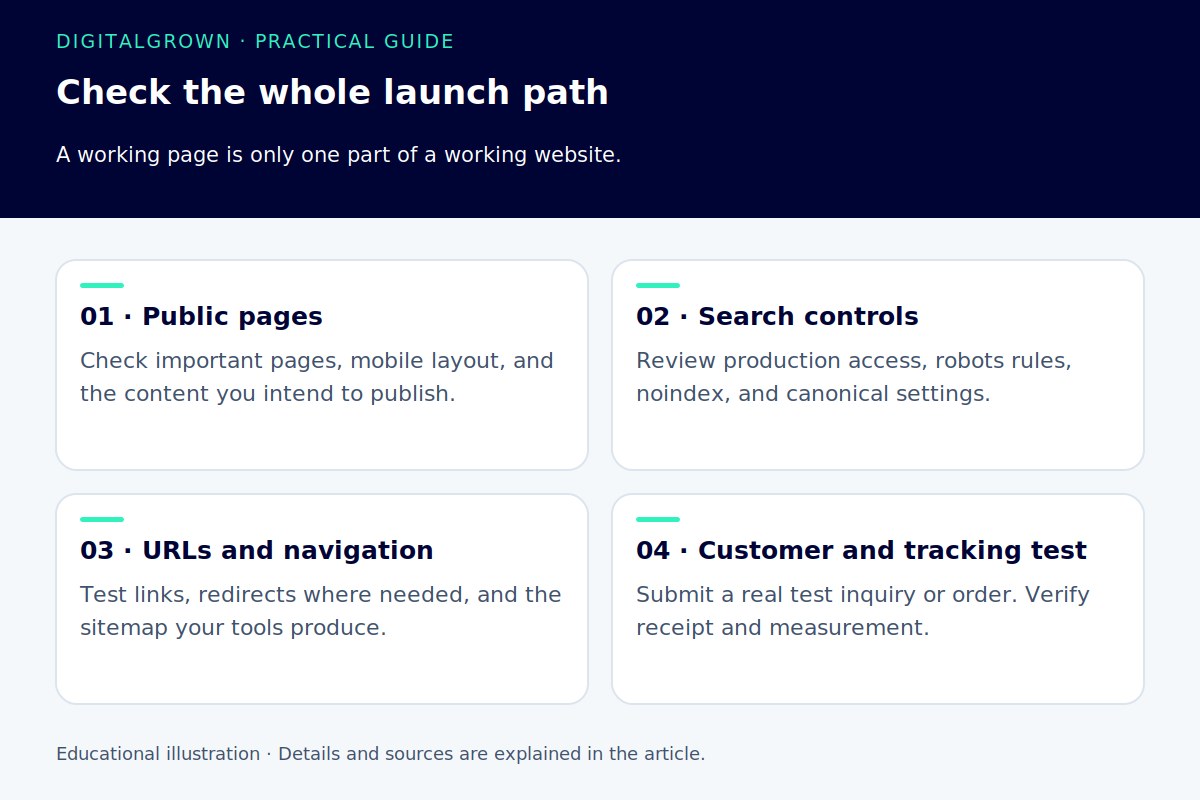
Identify the final domain and the preferred HTTPS version. Review important pages, images, contact links, menus, and forms on that version. A development URL left in a button or image can send people back to a staging copy.
Keep private development content protected. When the public site is ready, remove only the restrictions that should no longer apply. Check the actual live responses rather than assuming a setting changed everywhere when you clicked Save.
Google’s minimum technical requirements include an accessible page that returns a successful response and contains indexable content. Meeting those conditions establishes eligibility, not guaranteed indexing. [1]
2. Separate crawling from indexing
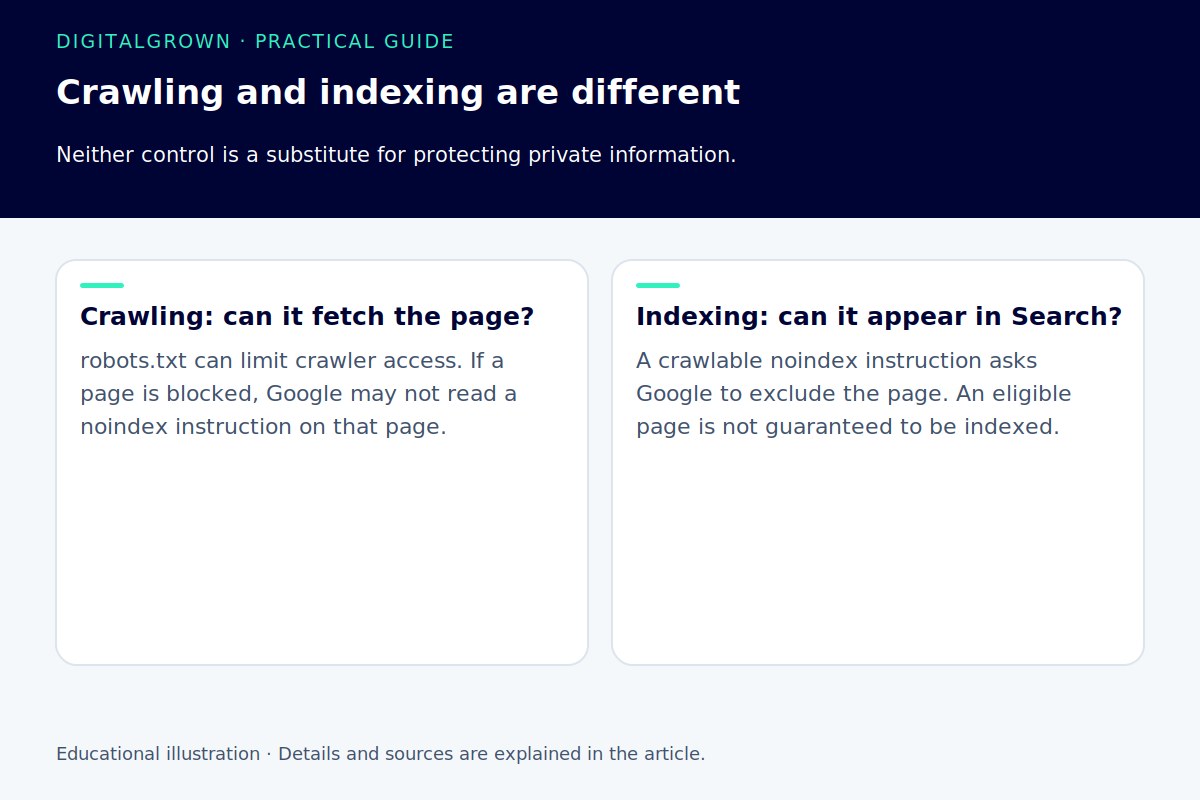
Crawling is a search engine fetching a resource. Indexing is the decision to include and process it for search. The controls are related, but they do not do the same job.
A robots.txt rule manages crawler access. It is not a password and should not be used to protect confidential material. A blocked URL can sometimes still be known to a search engine through links. [2]
A supported noindex rule tells a search engine not to include the page when it can access and read the rule. Blocking the page in robots.txt can prevent Google from seeing that instruction. Check both controls when a page appears to be excluded unexpectedly. [3]
On a WordPress launch, review development-era search-visibility settings, SEO-plugin settings, and any server or CDN rules involved. Do not remove every rule indiscriminately. Some account, internal-search, or utility pages may intentionally be excluded.
3. Make the important pages reachable
Follow the navigation from the homepage to your main services, products, and articles. Important content should not depend entirely on someone entering a search term in the site’s search box. Check that normal links point to the intended pages and that the labels explain where they lead.
Google recommends crawlable links and meaningful anchor text. A visually clickable element is not always implemented as a normal link a crawler can follow. Your developer should check the implementation when navigation relies on scripts or unusual widgets. [4]
Test the paths customers actually use: a category to an article, a product card to its details, and a service page to the contact form. Fixing a broken route helps visitors as well as search engines.
4. Check duplicates, moves, and preferred URLs
Review whether important pages exist at more than one URL, and whether canonical settings point to the version you intend to publish. A canonical still pointing to a development domain deserves attention.
If an established page is moving, map its old URL to a relevant replacement and plan the redirect. Do not send every old page to the homepage simply because it is convenient. Our canonical URL guide explains the distinction between a preferred duplicate and a page that has moved.
For a site that has not launched or accumulated shared links, changing a placeholder slug is a different situation from moving a useful, indexed page. Check the actual history before choosing the migration approach.
5. Review the sitemap and Search Console
A sitemap helps you tell search engines about URLs you want discovered. It should reflect the public versions you want considered, rather than becoming a list of development copies, missing pages, and redirects. A sitemap is a discovery aid, not an indexing guarantee. [5]
Verify the appropriate Search Console property and inspect a sample of important URLs. The URL Inspection tool can show the indexed information and provide a live test, which helps distinguish a current implementation from a previously crawled version. [6]
6. Check the mobile customer journey
Open key pages on a phone. Check readable content, image loading, navigation, forms, and buttons. A page can be technically accessible while remaining difficult to use. Do not let a menu, consent interface, or embedded tool conceal the main content or prevent contact.
Measure important templates as well as the homepage. A good result on a simple landing page does not establish how a large product page or article performs. Our WordPress performance guide explains how to investigate the bottleneck rather than install optimizations at random.
7. Make sure you can recognize the result
Check that the intended analytics and inquiry tracking are working, that test inquiries reach the right person, and that you know which dates and changes you will compare after launch. Keep a brief launch record and a recoverable backup.
An initial review should leave you with a short list of verified issues, their impact, and who owns each fix. A long export of warnings is less useful if nobody can explain which ones prevent customers or search engines from using the site.


